Runtime Studio
Runtime Studio
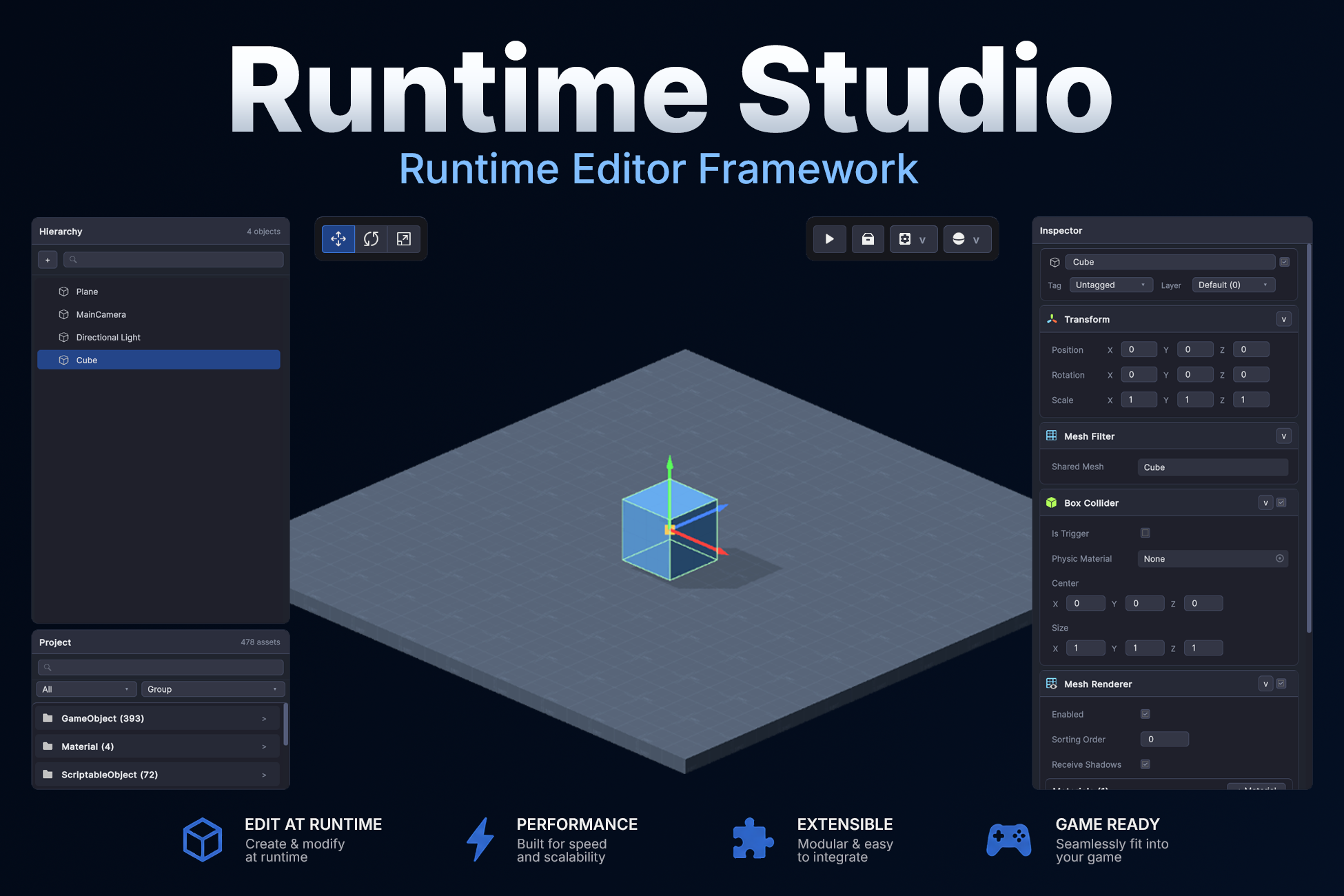
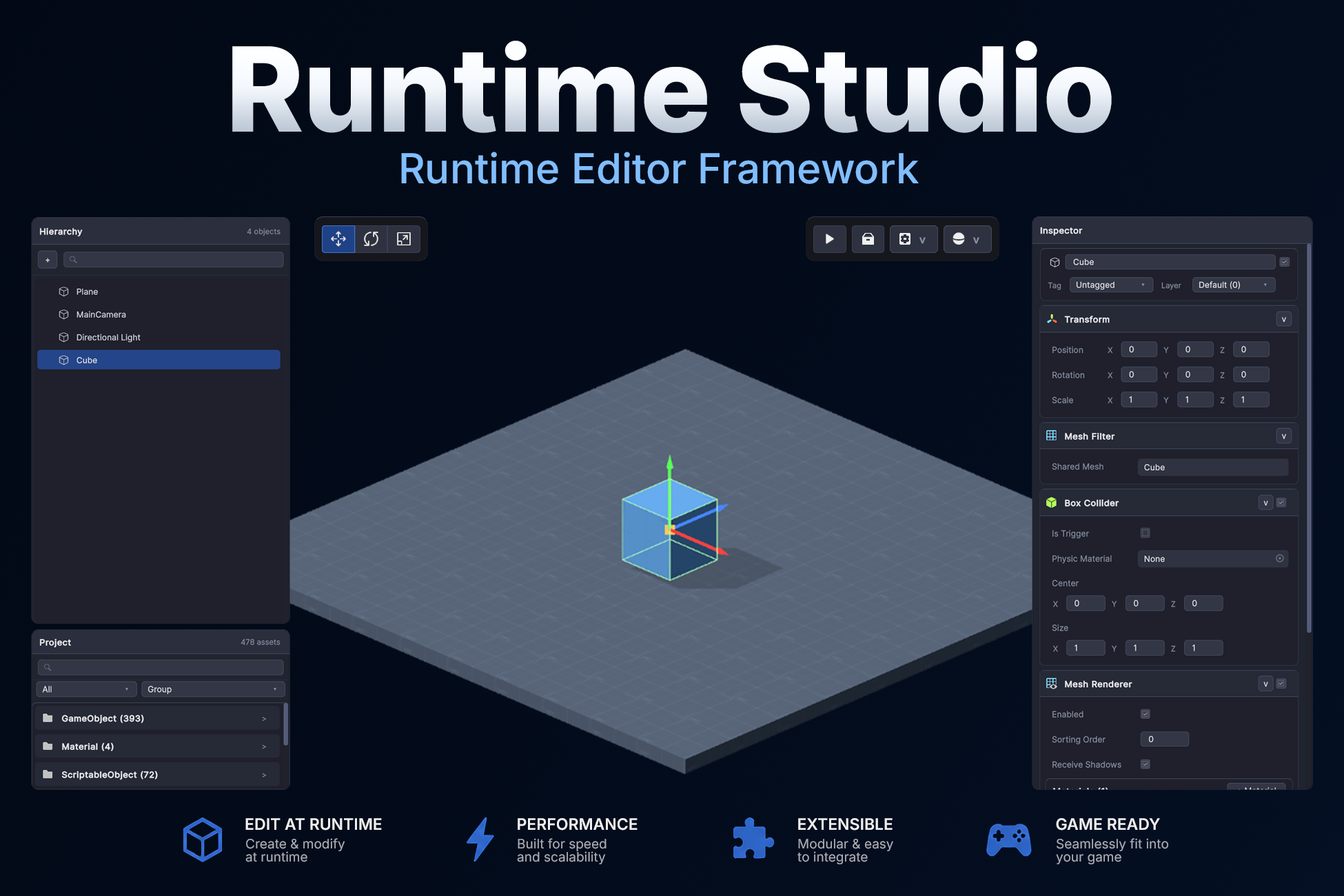
This is the official demo for Runtime Studio, a runtime editor framework for Unity that allows players to create, edit, save, load, export, and import levels directly inside a live game.
The demo showcases Runtime Studio's editing workflow, including scene editing, component inspection, asset libraries, runtime play mode, save/load functionality, and user-generated content workflows.
This demo also includes support for the Runtime Studio – Game Creator 2 Integration and the Runtime Studio - Terrain Editor, allowing you to experiment with runtime visual scripting, triggers, conditions, actions, variables, characters, and terrain editing.
Important: Runtime Studio plugins are sold separately and are not included with Runtime Studio. This includes:
- Runtime Studio – Game Creator 2 Integration
- Runtime Studio – Terrain Editor
- Runtime Studio – Asset Importer
These plugins are included in this demo for showcase purposes only.
The demo scene is also not included with Runtime Studio and uses assets from Synty Studios' Prototype Pack.
Runtime Studio: https://assetstore.unity.com/packages/tools/utilities/runtime-studio-385948
Runtime Studio - Game Creator 2 Integration: https://assetstore.unity.com/packages/tools/visual-scripting/runtime-studio-game...
Runtime Studio - Terrain Editor: https://assetstore.unity.com/packages/tools/terrain/runtime-studio-terrain-edito...
Runtime Studio – Asset Importer: Coming soon
What Can You Do?
Runtime Level Editing
Build and modify levels directly inside the game.
- Create and place objects from asset libraries
- Move, rotate, and scale objects using transform gizmos
- Multi-select and edit multiple objects
- Duplicate and delete objects
- Use snapping and grid-assisted placement
- Generate NavMeshes at runtim
Runtime Terrain Editing
Create and modify Unity Terrains during gameplay.
- Sculpt terrain height in real time
- Paint terrain textures
- Paint trees and detail objects
- Adjust brush size, opacity, and falloff
- Create and edit multiple terrains
Runtime Asset Importing
Import your own assets directly into Runtime Studio.
- Import models, textures, audio, materials, and more
- Import from local files or URLs
- Review and filter assets before importing
- Save, load, and share imported assets with levels
- Extend the importer with custom file formats
Runtime Component Editing
Inspect and modify supported Unity components.
- Transform
- Camera
- Light
- Renderer
- SkinnedMeshRenderer
- AudioSource
- Rigidbody
- CharacterController
- Various 2D and 3D Colliders
- And more
Runtime Play Mode
Switch between editing and gameplay without leaving the game.
- Enter Runtime Studio Play Mode
- Test your level
- Return to editing
- Continue building without losing progress
Save, Load, Export & Import
Create and share content.
- Save levels locally
- Load existing creations
- Export levels as Runtime Studio packages
- Import previously exported levels
Game Creator 2 Integration Showcase
Create gameplay alongside your levels.
- Create and edit Triggers
- Add and configure Actions
- Add and configure Conditions
- Create and manage Local Variables
- Place Characters and Players
- Build gameplay using Game Creator 2 Visual Scripting at runtime
Default Controls
Common default shortcuts include:
-
F1toggles the editor -
`toggles the console -
Wselects Move -
Eselects Rotate -
Rselects Scale -
DeleteorBackspacedeletes selection -
Ctrl/Cmd + Dduplicates selection -
Fframes selection -
Ctrl/Cmd + Shift + Faligns selection to view -
Ctrl/Cmd + Zundo -
Ctrl/Cmd + Yredo -
Ctrl/Cmd + Shift + Xexits Runtime Studio play mode
Free Cam
-
Hold
Right Mouse Buttonto look around -
While looking, use
W/A/S/Dto move -
Use
Q/Eto move down / up -
Hold
Shiftto boost speed -
Use
Mouse Wheelto increase or decrease move speed
Notes
- The Windows build is recommended for the best experience.
- If playing in WebGL, fullscreen mode is highly recommended so the browser can capture mouse input more accurately while using the free camera.
- Export and import functionality is supported in both Windows and WebGL builds.
- This demo is designed for keyboard and mouse controls.
- Runtime Studio is a runtime editing framework and is not intended to replicate the full Unity Editor inside a game.
Download